One Piece: Pirate Warriors 3

- Lançamento2015
- Nota7.4 / 10
- PlataformaPC Windows
- Gênero
- Ação, Aventura
- Desenvolvedora
- Koei Tecmo Games
- Publicadora
- Bandai Namco Entertainment America, Bandai Namco Entertainment
- Modo de jogo
- Single Player, Multiplayer, Co-op, Split Screen
- Idioma
- Inglês, Alemão, Chinês, Espanhol, Multi
- Legenda / Dublagem
- Legenda: Inglês, Alemão, Chinês, Espanhol | Dublagem: Japonês
- Título original
- One Piece: Pirate Warriors 3
Baixar One Piece: Pirate Warriors 3
- Clique em BaixarUse o botão verde Baixar da página. Se não funcionar, tente um dos outros links.
- Baixe e extraiaDepois de baixar, clique com o botão direito no arquivo e escolha Extrair aqui (use o 7-Zip ou o WinRAR).
- Instale e jogueAbra a pasta extraída, execute o instalador (setup) e siga as telas até o fim.
Deu algum problema?
Baixei, e agora?
Clique com o botão direito no arquivo baixado e escolha Extrair aqui. Se essa opção não aparecer, instale o 7-Zip (gratuito). Depois abra a pasta que foi criada e execute o instalador (setup.exe).
O link não abre ou deu erro
Tente outro servidor da lista. Se nenhum funcionar, avise nos comentários da página.
O jogo não abre depois de instalar
Reinicie o computador e tente de novo. Se aparecer erro de DLL ou DirectX, instale os programas que acompanham o jogo (procure uma pasta chamada Redist ou _CommonRedist) e atualize o driver da placa de vídeo.
Meu PC roda este jogo?
Compare com os requisitos do sistema mais abaixo. Para ver seu processador, memória e placa de vídeo, aperte as teclas Windows + Pause ou abra Configurações > Sistema > Sobre.
Como instalar
- Baixe todas as partes do jogo para a mesma pasta.
- Extraia o arquivo com WinRAR ou 7-Zip (botão direito > Extrair aqui).
- Execute o setup.exe e siga o instalador.
- Abra o jogo pelo atalho criado na área de trabalho.
Requisitos do sistema
Seu computador precisa ter pelo menos o mínimo. Com o recomendado o jogo roda melhor.
MínimosPara o jogo abrir e rodar
- OS *
- Windows 7 / 8 / 8.1
- Processador
- Core2Duo 2.4GHz
- Memória RAM
- 2 GB RAM
- Placa de vídeo
- 512 MB Nvidia GeForce 8800 / ATI Radeon HD 3870
- DirectX
- Version 9.0c
- Internet
- Broadband Internet connection
- Espaço em disco
- 13 GB available space
- Placa de som
- DirectX® 9.0c or higher
- Security reminder
- you should never need to disable your antivirus or other security protections to install software.
Ver observações
Observações: Game pad support Installation Instructions Open the download link with the application associated with this file type. When the transfer finishes, open the downloaded folder and review any included documentation. Run the included installer only if you trust its source, then follow the on-screen steps. Keep your operating system, graphics drivers, and security software enabled and up to date.
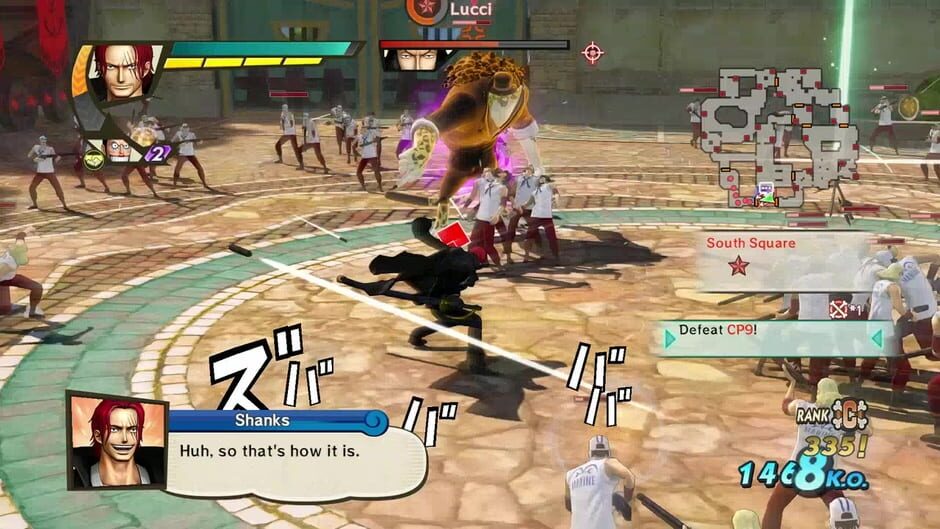
Sobre o jogo
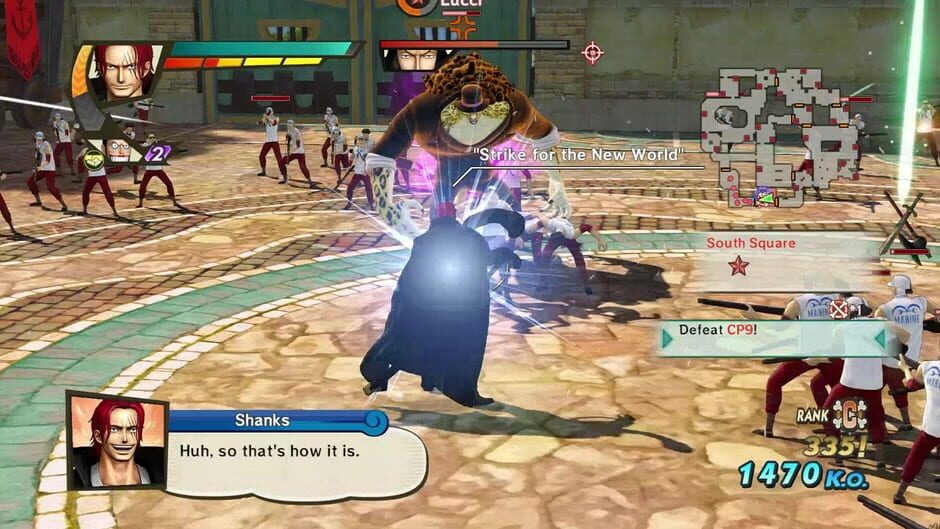
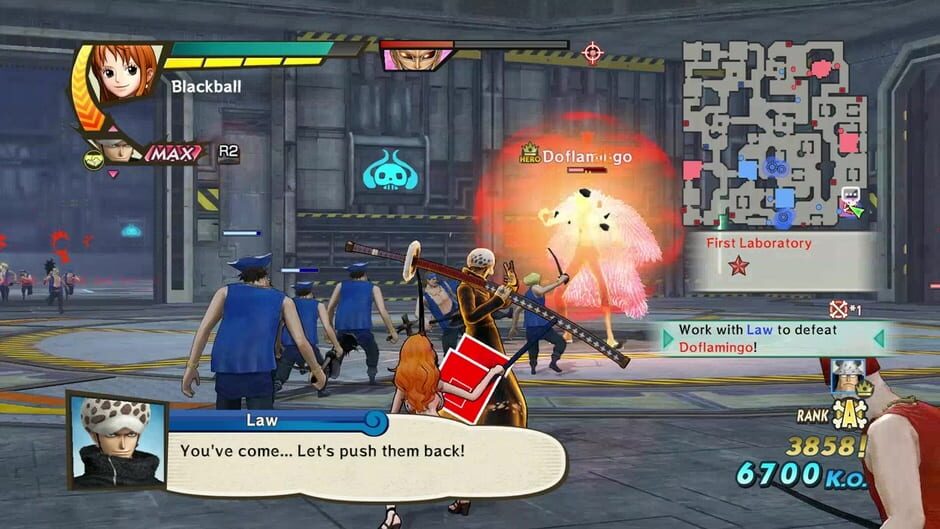
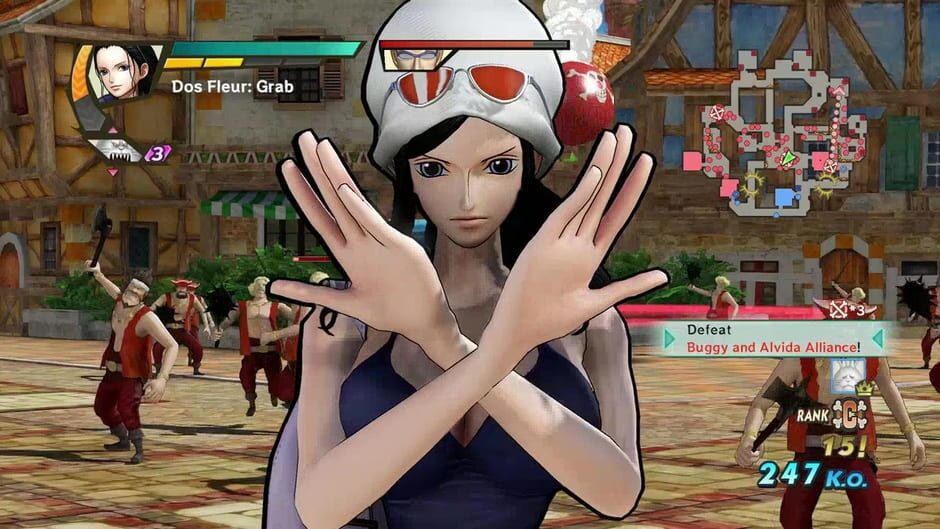
Enjoy the original story of ONE PIECE from Fuschia village, where everything has started, to the kingdom of Dressrosa, a mysterious island dominated by the evil Donquixote. Will your resolution be strong enough to defeat the most dangerous foes, including Doflamingo, Hordy. Jones, Ceasar. Clown and many more? Gather every member of the Straw Hat Crew, like in the original story, sail to the most emblematic places and enter the most epic battles: Marineford, Fish-Man Island, Punk Hazard and Dressrosa!
Trailer

Imagens do jogo